
If you have checked the Flag for Review button on an Item Screen, a flag indicator will appear beside that item on the Review Screen.
You may review items, from the Review Screen, in many ways by clicking on the following status buttons:



Review Screen
Instructions
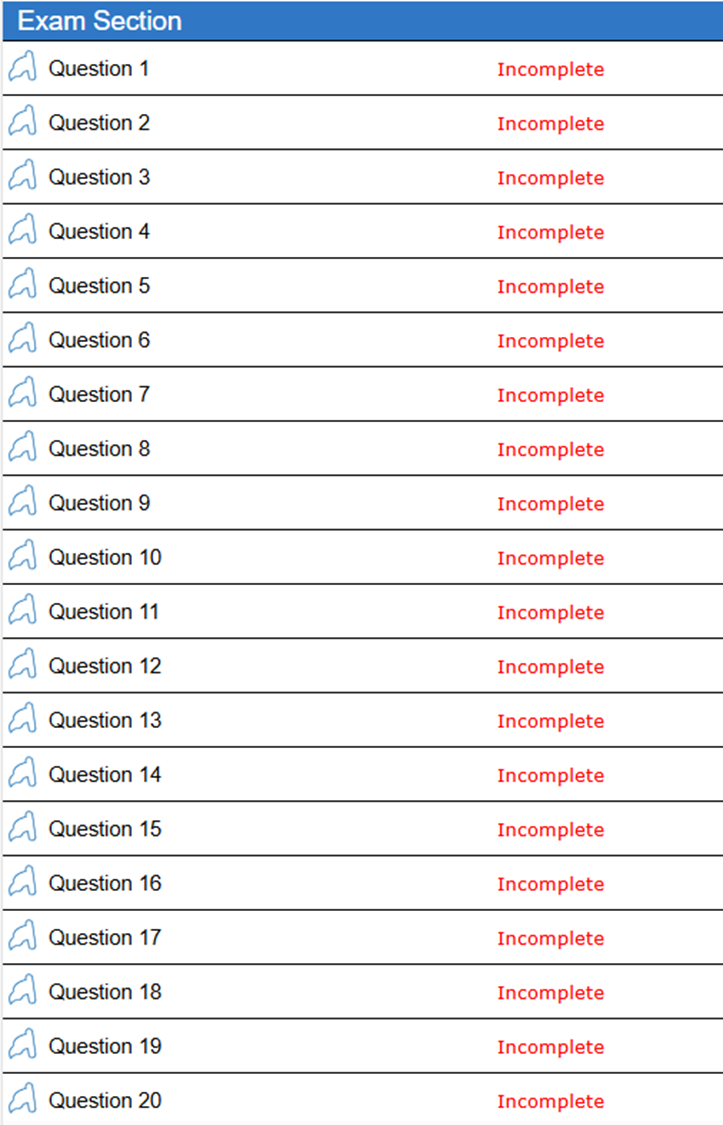
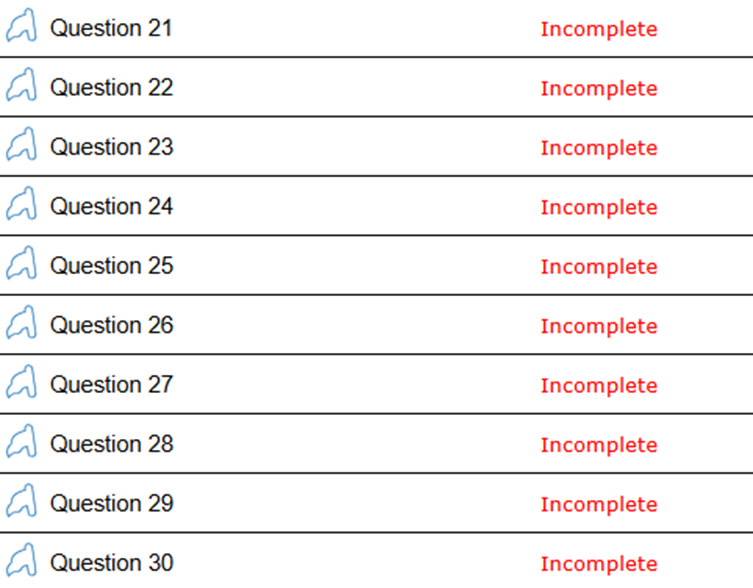
Below is a summary of your answers. Click one of the Review buttons at the bottom right of the screen to begin reviewing your answers.
– Review All: Review all of your questions and answers.
– Review Incomplete: Review all questions with skipped and/or incomplete answers.
– Review Flagged: Review all questions flagged for review.
You can also click directly on a Question number to review.
Exam Questions
 |
 |
